
Introduction
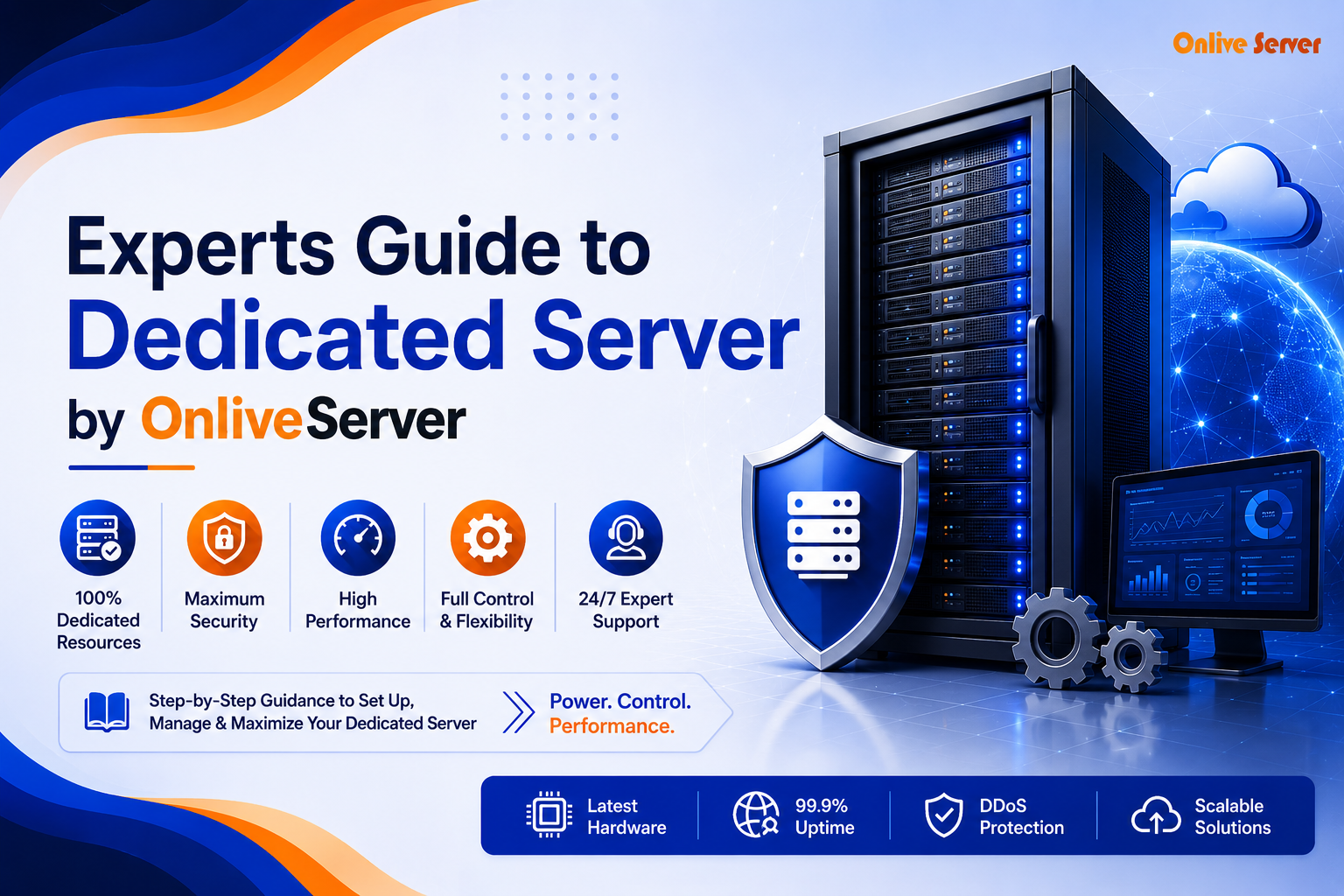
The Dedicated Server is the ideal choice for those who require optimum performance, enhanced security, and full control over the server environment. Everything that you will ever want to know about the Dedicated Server can be found in The Expert’s Guide to Dedicated Server, published by OnliveServer. This includes selection of the proper server setup, performance enhancement, and securing better security. In case you have any website or enterprise application running on the server, Dedicated Server is definitely for you.
What Is a Dedicated Server?
Dedicated Server is a physical server which is reserved solely for the use of a particular person or organization. As opposed to shared hosting, where various websites share a common server, a dedicated server allows one to have exclusive access to the processing power, memory, disk space and bandwidth of a server. It is an excellent choice for organizations requiring high-traffic websites and applications.
How Does a Dedicated Server Work?
Resource allocation is the major distinction between a dedicated server and shared hosting. As opposed to sharing the server with other users in the case of the latter, the former guarantees exclusive use of the resources, high-level security, and more customization options. Therefore, a Dedicated Server becomes a preferred option for companies seeking guaranteed performance and total management.
Dedicated Server Hosting Plan
Dedicated Server vs. Shared Hosting: Understanding Security Controls
The advantage of choosing a dedicated server package is that the level of security will be higher compared to the shared one. There is an opportunity to establish sophisticated security measures that apply exclusively to your company.
Individualized Security Measures
It is possible to create custom firewall rules in accordance with their security needs. For example, a firm such as a financial firm would limit access to specific IP addresses in order to safeguard the data of their clients. With better monitoring capabilities, it becomes easy for the company to identify any suspicious activity right away and take action through alerts. DDoS protection may also be implemented to keep the services secure from any attacks. The most frequent error that companies make is to overlook the firewall logs.
Shared Hosting Limitations
These resources which are utilized in the shared hosting service are generally shared between different websites. Hence there are certain threats associated with this. This is because the configuration is a general one and special security configurations cannot be implemented. This would be true when there are no issues regarding security of the blog or website. However, an e-commerce website that is growing and conducting business will have certain threats when using this type of hosting service.
Evaluating Bare Metal Dedicated Servers
Bare metal server offers some level of computational capacity for companies. This is the physical computer that is assigned to only one client. Thus, it becomes possible to ensure that it is exclusive. The performance of bare metal server is outstanding because it does not have any virtualization layers.
Performance Benefits
Use of bare metal servers ensures that the enterprise makes maximum use of the hardware. It is important when dealing with fast data processing. The financial industry and the gaming industry are ideal examples. The software runs directly on the server without going through any virtual layer.
Security Advantages
Advantages in terms of security in relation to bare metal servers are apparent. Absence of virtualization decreases chances for data leakage due to the absence of tenants. It is especially important for such sectors as healthcare and law firms which deal with confidential information.
But keep the server software updated. An unmanaged bare metal server can create security problems. Routine maintenance keeps the server secure and running well.
How to Choose a Dedicated Server Plan: Workload-Based Framework
When choosing a dedicated server plan, match it to your workload. First, check your resource needs. Focus on CPU, memory, and storage.
Understand Your Workload Patterns
Be aware of your workload pattern. Figure out the times when the workloads are high and how much load normally appears in your servers. In the situation of e-commerce business, the peak loads will be observed during sale seasons. It is necessary to guarantee that during the peak time the server doesn’t crash. Constantly high workload implies necessity to increase the capacity.
Sudden overload can cause system to slow down. Unpredicted overload due to sudden appearance of users during new product launch is an example.
Scalability and Future Needs
Consider the future possibilities for growth as well. Make sure that whatever solution you go for can easily accommodate your growing needs. There could be little demand for the technology start-up to begin with. However, it will need much more in the future because there will be many users. In this way, you will prevent any unnecessary expense on upgrading.
Understanding IPMI for Server Management
Intelligent Platform Management Interface helps manage dedicated servers. It lets you monitor and manage servers remotely. This makes operations more efficient.
Remote Server Control
It allows you to check the condition of the server, do diagnostics, and even restart the server remotely. You don’t need to be present there physically. This feature is highly valuable for businesses which have data centers situated in different places. For example, a tech company which has its servers scattered across multiple cities can make good use of it.
Security Features
IPMI Security guarantees that the data will be secure during its transmission. These methods of encryption and user authentication are very common. This means that the data and administrator access will be secured from any kind of misuse. The most important aspect of IPMI security is to have updated firmware on IPMI.
Conclusion
Choosing the right dedicated server plan relies on your needs, both now and later. Make smart choices. Check workload, security, and costs. Good planning with flexibility and security creates a stable infrastructure. This infrastructure can grow with you. Review your options carefully. Find a server plan that fits your business goals and future growth. OnliveServer is worth shortlisting if those checks match your workload and budget.
